
Recently ICT Innovations released Integration addon, Integration addon enable ICTBroadcast admin/user to configure campaigns to post or send call-related events to remote systems / third party applications also called push call status/webhook notifications. ICTBroadcast can use 3rd party APIs to communicate with remote systems. ICTBroadcast users can create dynamic integration using call and contact tokens.
Currently, users are able to use integration with IVR, end-of-call (push call status), and integration can also be used in integration campaigns.
The following are the instructions regarding the integration addon.
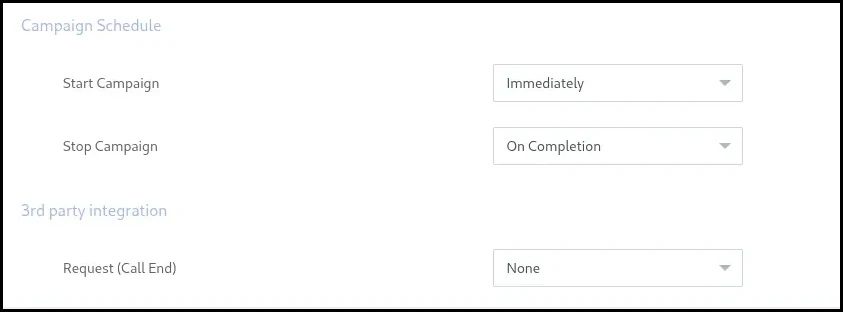
Integration as Push Call Status
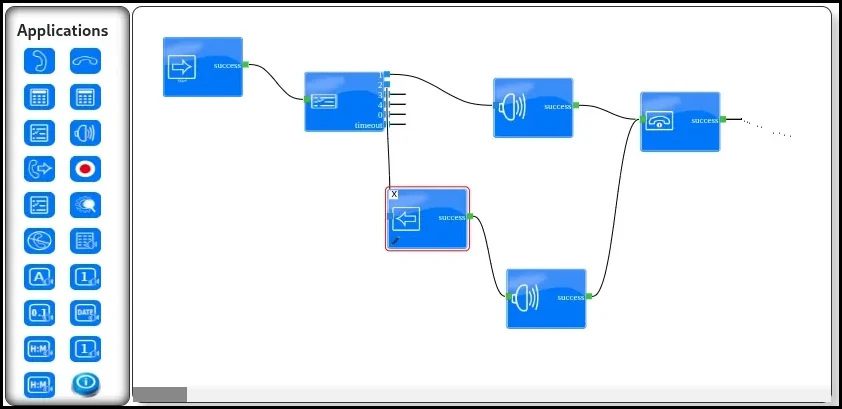
Integration with IVR
Create integration
Perform the following steps to create an integration:
- Choose Messages from the ICTBroadcast top menu
- Click on Integrations
And then fill the form as follows
- Integration name
- Integration description
- Integration type
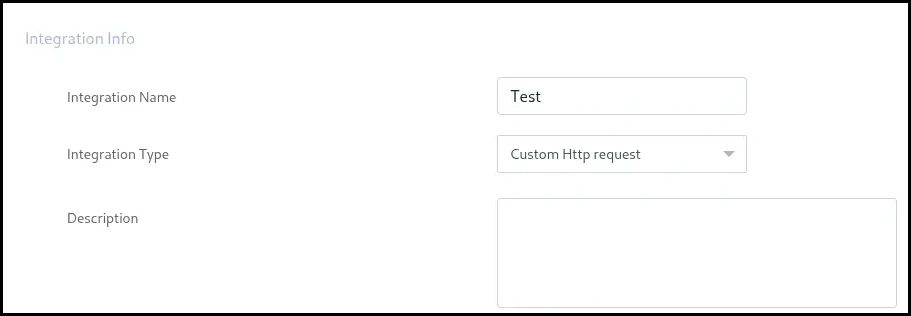
Currently, there are two integration protocols available: SOAP WSDL and HTTP. Each protocol requires a different set of configurations, as mentioned in the following
Custom HTTP Request
HTTP protocol covers REST, GET / Curl or custom HTTP POST requests
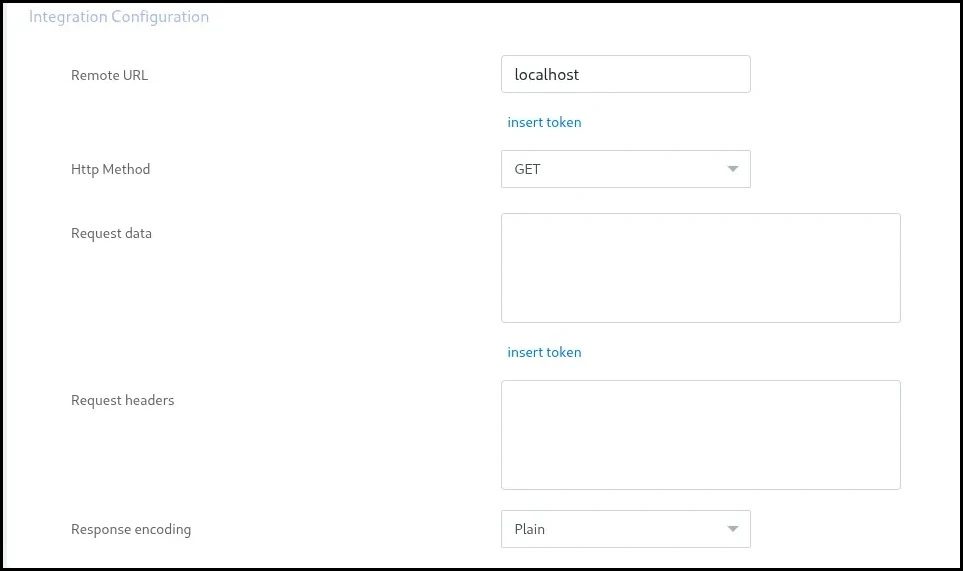
Remote Url
URL to remote application or API, users are allowed to build/customize this field using available tokens.
HTTP Method
There are four different HTTP methods available; the user needs to select the appropriate method as per the remote application’s requirement
- GET
- POST
- PUT
- DELETE
Request Data
Post data or body of HTTP request, users are allowed to build/customize this field using available tokens. Further, it is allowed to use formatted text. i.e XML or JSON
Note: In case of encoded text, please remember to include required headers in the header field, as required by the remote application.
Request Headers
If remote applications require certain headers in a request, for example, Authorization, Cookies, etc, they can be added in this field.
Note: Please remember to enter each header on a separate line. for example
Authorization: Basic QWxhZGRpbjpvcGVuIHNlc2FtZQ==
Cookie: $Version=1; Skin=new;
Response Encoding
The accepted format for response (currently not in use)
SOAP WSDL API Request
Soap and WSDL-based interface for integration has the following configuration options
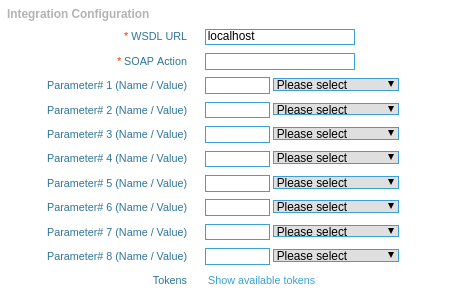
WSDL Url
A valid WSDL address for the SOUP service
SOAP Action
Soap method to call
Soap Parameters
A list of soap parameters can be given as name and value pair, in the value field, the user can select a token or enter a custom value.
Integration Administration
permissions
Integration module and features are only available to those users having permission for this module. Admin can assign/unassign user permissions for the integration module from User management -> Permissions or from Role management -> Permissions.