
• FEATURES
  • PACKAGES
  • ADDONS
  • SUPPORT
  • BLOGS
Book a Demo Buy Now

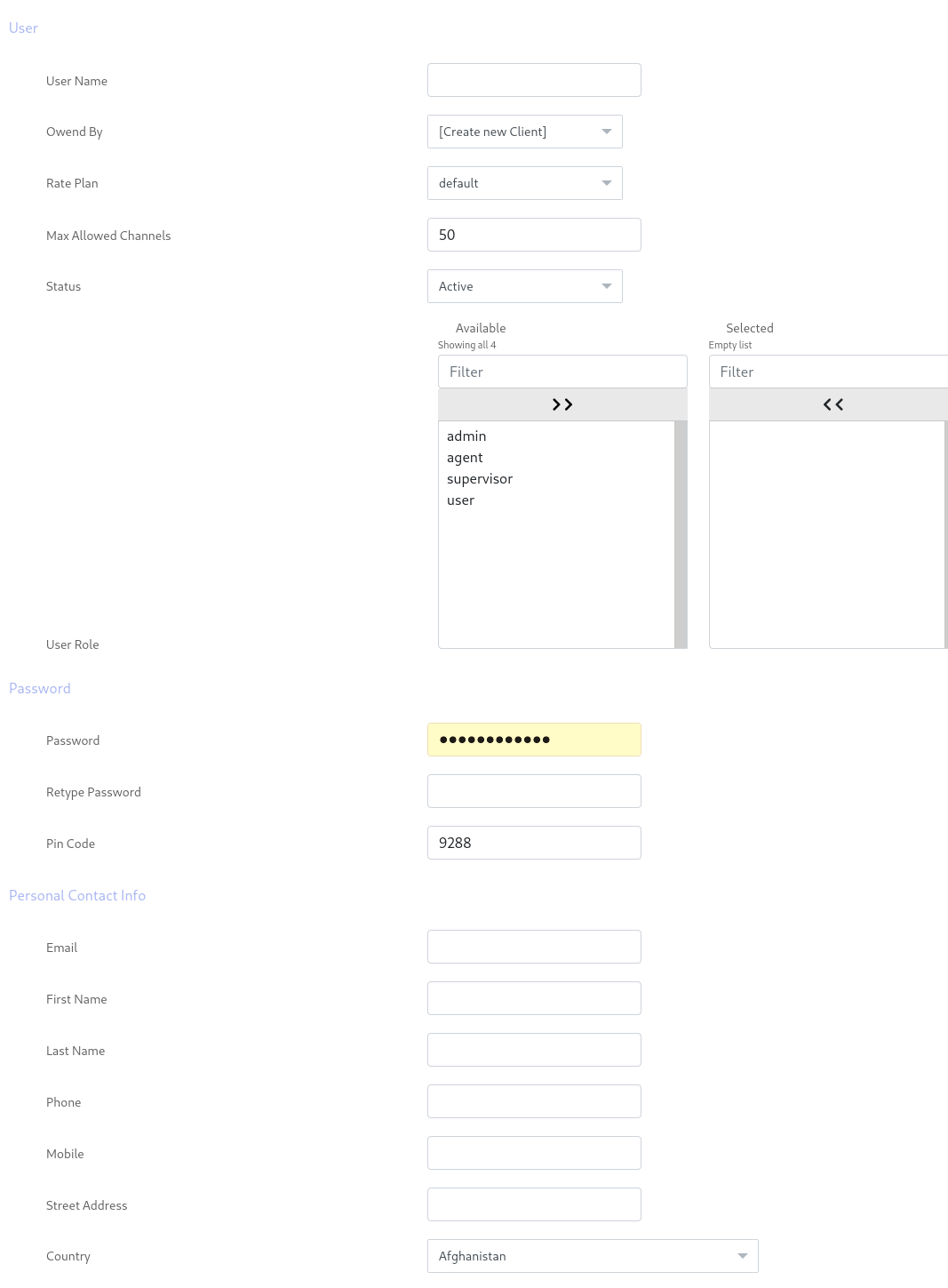
ICTBroadcast features a complete call throttling mechanism. You can set a number of channels in terms of campaign, user, trunk, and node. It is also possible to increase and decrease concurrent channels limits for active campaigns in real-time. Learn more about ICTBroadcast
call throttlingpage31

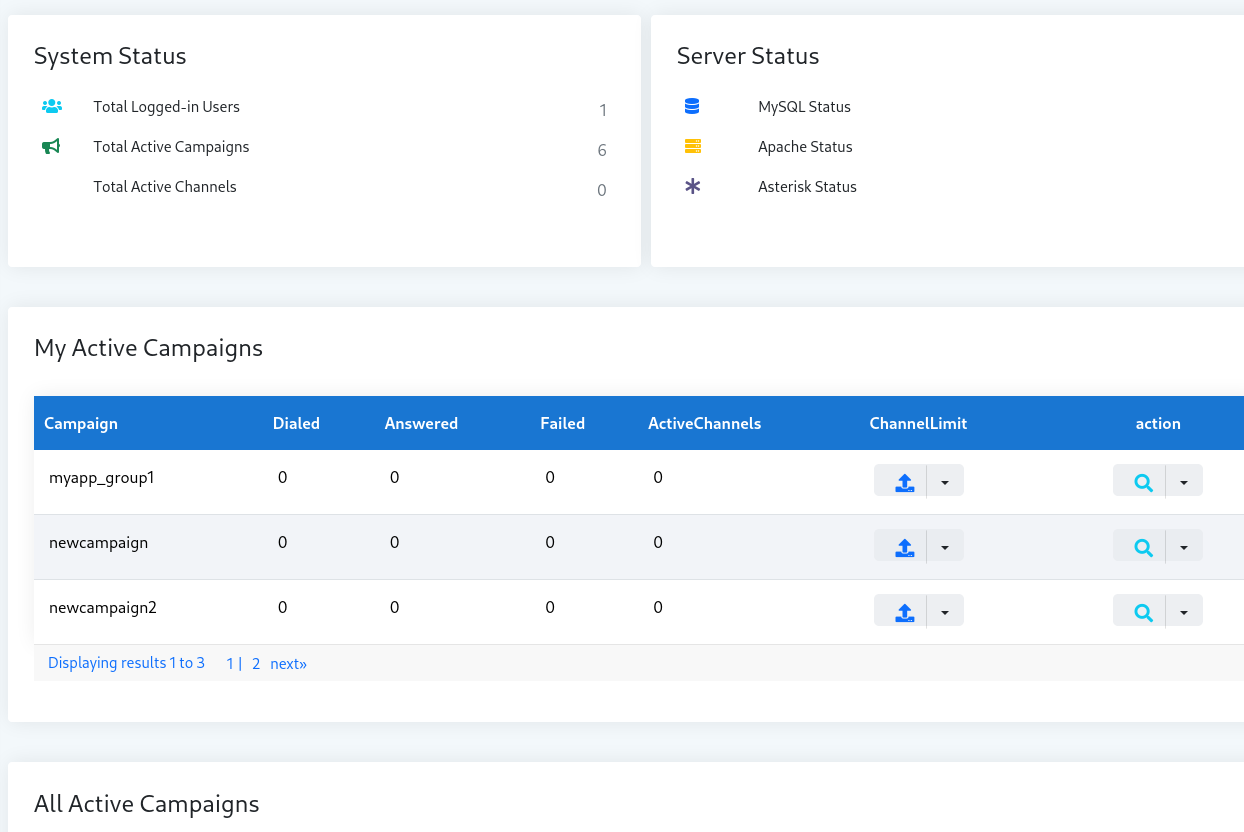
The following screenshot displays how to control concurrent channels for a campaign while the campaign is still running. This makes ICTBroadcast one of the best auto dialer software that gives its user complete control over a campaign. ICTBroadcast also has a global set of configurations where administrators can customize channel incremental for each increase and decrease in channel limit.
sYSTEM STATUSpage31

Press the up or down arrow key under the heading of “channels limit” of any particular campaign and concurrent calls/channels will increase or decrease accordingly

NAVIGATIONS

HOME

FEATURES

PACKAGES

ADDONS

SUPPORT

BLOGS

POSTS

FCC Know Your Customer Rules: What They Mean for Your Predictive Dialer

Jun 25, 2026 | call center

The FCC’s 2026 Know Your Customer proposal makes carriers vet every outbound campaign. Here is how to keep your predictive dialer compliant and connecting.

TCPA and STIR/SHAKEN Compliance: An Outbound Call Center Software Checklist

Jun 20, 2026 | call center

A practical compliance checklist for outbound calling campaigns, covering TCPA consent rules, calling windows, and STIR/SHAKEN call signing.

« Older Entries

ICT Projects

ICTFax

ICTCore

ICTDialer

ICTCrm

ICTContact

ICTSchool

ICTUstad

ICTRoshni

Copyright 2026 | All Rights Reserved

  • Follow
  • Follow
  • Follow
  • Follow
Award 1 Award 2